
Please click on the screenshot to view a working demonstration. If the demonstration does not work in your browser please contact us, thank you.
Remember that these demonstrations are often in their most basic, uncustomised form and may often not look that 'polished'. You may need to use a little imagination to see how they could work on your website with your images, colours or fonts.

Known commonly in the trade as a "fish-eye" menu, this bubble-up menu has achieved one of the smoothest effects we have seen in fish-eye menus. The level of magnification is completely variable so we can set a lower, subtle enlargement or go wild with a major zoom factor! Yeah, we love this one a lot and with PNG images with transparent backgrounds now being widely supported by all the browsers we can use icons in this menu that sit beautifully over an image or background.
jQuery 1.4.2

This one is based on the Mac's "dock" menu - with an option for top or bottom positioning. Slightly different from the Bubble up menu, this one pushes the other icons around on mouse over achieving a nice smooth mac-like effect. And who doesnt't love that? Don't be put off by the dark background, we can change that all for you and it is available with or without the icon's caption.
jQuery 1.1.2

This innovative menu uses five coloured sliding panels to demonstrate an accordion effect. Useful for revealing small amounts of text or images that are 'hidden' when the accordion is at its resting state.
jQuery 1.2.6

This sliding door menu has high impact, especially with images that are carefully chosen and have a feature on the left hand edge. This menu can be modified to have a specific panel open by default when the page loads. We've used this menu on our Saffron Bakery website.
Mootools

This is one of our absolute favourites. This original version uses only three panels but we have incorporated it into websites with five or six panels. Truly eye-catching and high-impact - but it does take up some screen 'real-estate'. This menu achieves 'multi-level' capability by it's sub-menus popping up over a transparent coloured background.
jQuery 1.4.2

From the same designers as the Background image sliding panel menu, this is another eye-catching horizontal menu with dropdowns. Images pop-up on mouse-hover and there is also a sub-menu capability (see the Portfolio and Projects tab in this example after clicking on the screenshot).
jQuery 1.4.2

This good looking and simple horizontal menu is reminiscant of the Apple website, hence it's name. It reveals a small icon on mouse-hover.
jQuery 1.2.6
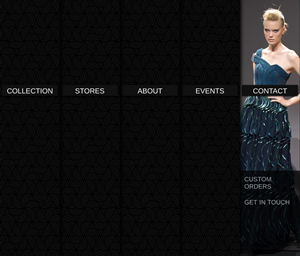
Another beautiful sliding panel menu from Codrops. Images slide down to meet the menu options moving upwards on mouseover. Suitable for skinny images as demonstrated by these models! Naturally we can change the height and width of these panels to suit your needs.
jQuery 1.4.2
A classy jquery based sticky menu that scrolls the page to the appropriate part of the website. Suitable for 'one-page' sites or for navigating to sections of a page
jQuery 1.7.1

A simple horizontal menu that just looks good and doesn't go over the top with its animation effect - but provides a bit of movement to your website navigation.
jQuery 1.3.1

Shown as a glossy panel that stretches full width, this menu is super-fast loading. It is customiseable to show the current (open) page as well. Don't like glossy black? No problem, it comes in other colours.

Mouse-hover causes these tabs to illuminate. Simple yet effective.
jQuery 1.3.1

This horizontal menu achieves a similar effect to the Fade-in glow menu but uses images instead. Get the right images and you have a beautiful navigation bar at the top of your website. This menu was put to use in the website for Luxury on Peterborough.
jQuery 1.2.3
Hover over the small arrow icon (after clicking on the screen shot of course!) and this horizontal menu reveals itself. Move the mouse off and it slides back into it's compact and space-saving menu bar. Perfect for those websites that are limited in vertical space or want a subtle menu that is not always in view - but useful only for a single horizontal pop-out, not multiple menus...
jQuery 1.4.2
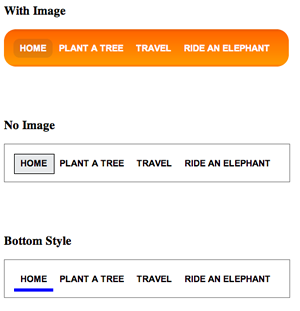
The original lavalamp horizontal menu. Three styles of this are shown to demonstrate its flexibility.
jQuery 1.2.3

A simple inline menu that uses images or simply coloured blocks as the background. Super-quick to load as demonstrated in our website for Imaginasia.

A simple inline menu that uses a background colour change or rollover effect.
jQuery

A simple inline menu that uses sprites to provide some animation. The uneven configuration of the menu tabs provides a casual influence to a horizontal menu bar. Four variations of the theme are demonstrated.
CSS only

This menu cleverly uses just one image to achieve it's remarkable effect and simply positions that image (masking the bits we don't want you to see!) depending on where you move your mouse. The advantages of this is that it is fast loading, still uses HTML lists for the construction of the menu and links and there are no problems putting fancy fonts in your menu. The only disadvantage of this menu is that it is not quick or easy to change - so if your navigation menu is not going to change often, go for it! We did, and it is used on the webpage of Piccante Web Design.
jQuery 1.3.2

This menu is so cunning you could put a tail on it and call it a weasel. Select an item from the first dropdown and the second is populated with choices based on your first choice. The third dropdown is populated in the same way. Awesome for websites with lots of pages.

A dropline menu is a good way to provide a few options from your horizontal menu without taking up a lot of space which dropdown menus can do. Because this menu uses CSS only for its functionality it is very fast loading.
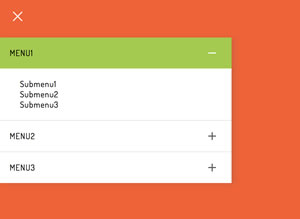
Hamburger-slide vertical accordion menu
jQuery
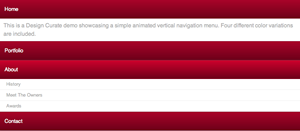
Hover-over vertical menu with submenus or content. Ideal for mobile devices.
jQuery 1.2.6
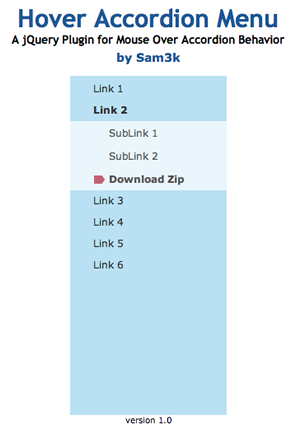
This accordion menu has the default item 'Link 2' open when the page loads. The remaining menu items smoothly open (and close) on mouse-over and mouse-out.
jQuery 1.2.6
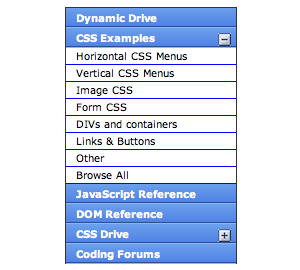
This accordion menu uses mouse-click to open and close its sub items. It cleverly closes any open list before opening another, keeping the space occupied to approximately constant. Images can also be displayed as well as text.
jQuery 1.2.2
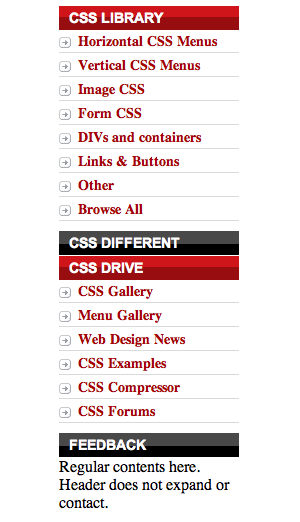
The first item of this menu opens by default; the remaining open on mouse-click and it is selectable whether or not the open items stay open or close - in this demonstration they remain open, expanding the list vertically. Simply click on the title to close or open each list.
jQuery 1.2.2
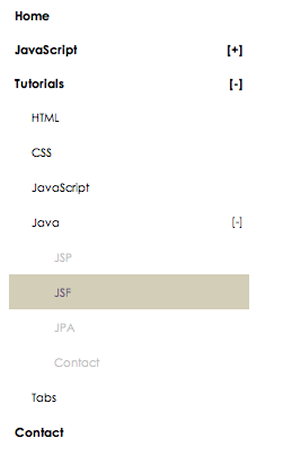
Feel like putting a tree style menu on your site? Smooth it out with jQuery (well, we'll do that for you of course to give it a smoooooth effect. So useful and user-friendly...
jQuery 1.5.1+
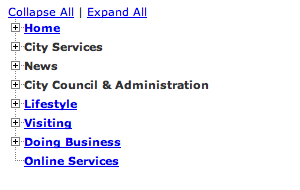
There are three versions of a tree menu in this demonstration. The first is very basic and works similar to a file structure on your PC. The second uses a smoother animated effect. The third uses a similar animated effect but also has controls to open or close all parent-items.
The name "Meny" is Swedish and this delightful space-saving menu is excellent for full-sized sites but comes into its own on mobile devices. Simply swipe the menu icon or mouse-hover near it to swing the menu into view. Nice.

This menu is called 'disjointed' because the image on the left of the menu changes on mouse-over of the vertical menu on the right. Could be what you need if you have an image to show for each menu tab.
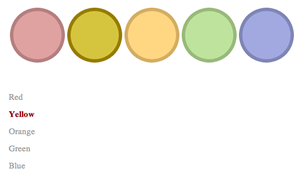
OK, we really can't see a practical implementation for this menu - but maybe you can! But it works by a simple image replacement technique... useful for a list of icons perhaps?
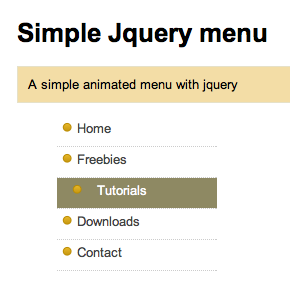
Simple slideout animation brings an otherwise standard vertical menu to life.
jQuery 1.3.2
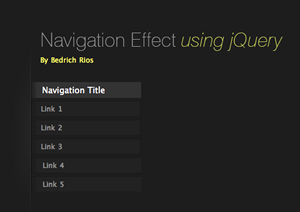
The nice thing about this menu is that it animates itself when the page loads bringing attention to the menu. We put this menu to use on the Clefa website.
jQuery 1.2.3
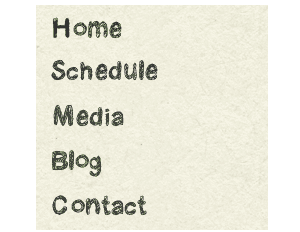
The 'vertical version' of the sprite menu shown above. A single image is positioned (and masked) to show this effect - modern day magic - but it does mean you can use whatever images (or font) you want in your menu - and it is fast loading.
jQuery 1.3.2
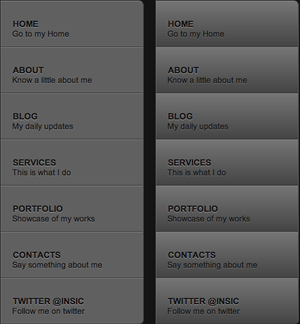
Mouse-hover causes these tabs to illuminate. Simple yet effective, mirroring the effect on the Dragon Interactive website.
No jQuery, uses CSS only
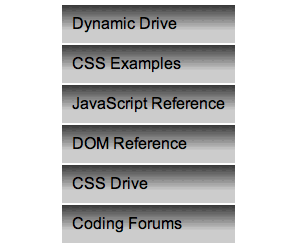
A really simple vertical menu. We're not so hot on the choice of background gradient that was used in this demonstration, and we'll get round to changing it when we have some spare time. Grey grey grey.
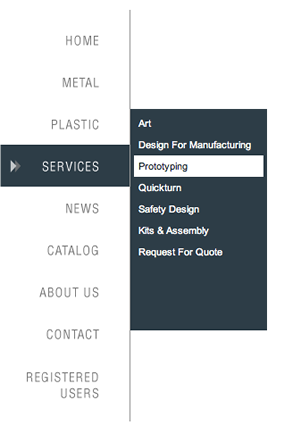
A simple effect but it looks good and it works well. A nice alternative to using a horizontal dropdown menu, and because it uses CSS for its functionality it's fast-loading - and that improves your search engine performance too!

Slick animation on hover. Nice job from CSS experts Red Team.
jQuery
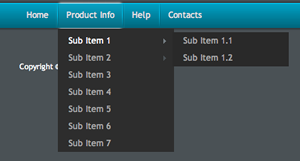
One of the nicest dropdown menus we've seen. It uses the lavalamp effect to animate the top menu bar and the smoothness of jQuery to animate the dropdown lists which in turn expand into sub-lists (and sub-sub-lists if you need to go that far!) Apycom.com require a link in order to use this menu or you can purchase a licence from them.
jQuery 1.3.2
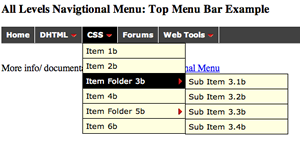
This is one of the smartest menus that we've come across. It deals easily with increased font sizes and small window sizes. If your menu were going to expand into the edge of your window it simply opens in the other direction... how smart is that? We like this menu because it is easily customised and it's fast loading. We've used it on a number of sites, most notably for Follonico.

We almost used this menu for our newly designed Piccante Web Design site, but it tripped up in an old version of Internet Explorer. Fortunately, IE is dying (we'd like to put the final nails into the coffin of IE6 if we could) so we're hanging onto this in our collection of menus because we think it's got a great future... and it really works well in IE8+.

Another nice product from Soh Tanaka. Although it doesn't feature sub-sub menu lists it is a visually pleasing horizontal dropdown menu. Just be aware that the dropdowns work by mouse-click, not just hover... some like that, some won't.
jQuery 1.4.2

Based on the DD levels menu, this has the same features, but it is just... smoother.
jQuery 1.2.6
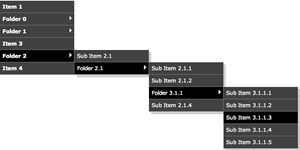
Based on the DD levels menu, this has the same features as its horizontal counterpart, but it is ,well, vertical..
jQuery 1.2.6
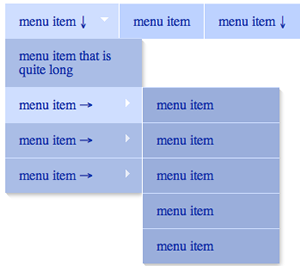
A jquery version of the (fairly) famous Suckerfish menu. Not as smart as the Smooth or DD levels menu when it comes to window edge detection, but an option worth considering for multi-level menu requirements.
jQuery 1.2.6
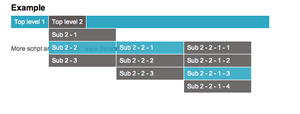
Multi-level smooth dropdown menu. No parent-item selector means that you can end up guessing which items have dropdowns.
jQuery 1.2.3
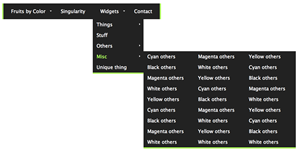
Another variation of Superfish, this having elements of the mega menu or big orange menu with dropdowns appearing in columns.
jQuery 1.4.2
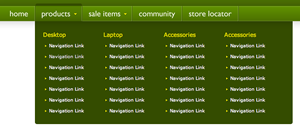
Got a lot to say? Heaps of pages? Then this mega menu could be for you. Kermit green certainly grabs your attention, though we could change that for you of course.
jQuery 1.3.1
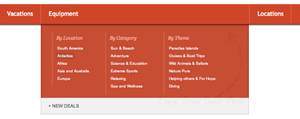
Similar to the mega menu, the big orange grid menu offers sub-menus in lists. The parent menu items are animated, and you could find yourself chasing them round a bit, but we thought it was definitely worth including in our collection.
jQuery 1.4.2
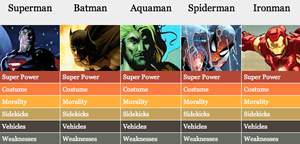
A little imagination might be required to clear the superheroes from this menu and put your products or lists, but it will be worth it! Quite useful for quickly comparing (or expanding) information of a number of products.
jQuery 1.4.2
Feel like putting a tree style menu on your site? Smooth it out with jQuery (well, we'll do that for you of course to give it a smoooooth effect. So useful and user-friendly...
jQuery 1.5.1+
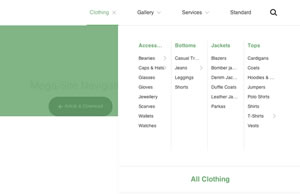
A responsive menu that features several ways of displaying sub menus - through slideout secondary menus and icons
jQuery
Got a lot to say? Heaps of pages? Then this mega menu could be for you. Kermit green certainly grabs your attention, though we could change that for you of course.
jQuery 1.3.1
Similar to the mega menu, the big orange grid menu offers sub-menus in lists. The parent menu items are animated, and you could find yourself chasing them round a bit, but we thought it was definitely worth including in our collection.
jQuery 1.4.2
A little imagination might be required to clear the superheroes from this menu and put your products or lists, but it will be worth it! Quite useful for quickly comparing (or expanding) information of a number of products.
jQuery 1.4.2
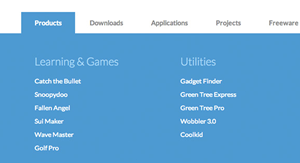
A responsive mega menu, more great work from Tympanus Blueprints.
jQuery 1.9.1
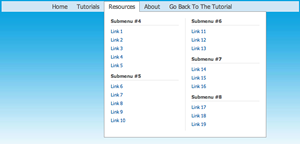
Great for those touch devices, nice job from Script Tutorials.
jQuery 1.4.2

A quirky circular menu that opens either by hover or click... ideally suited to 6-7 icons that are circular in nature
jQuery 1.4.2

A unique menu that features icons in bubbles that expand to show three or four sub-lists.
jQuery 1.4.2

Another different circular based menu.
jQuery 1.4.2
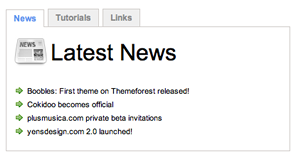
Tabbed menu boxes useful for displaying small amount of information or images.
jQuery 1.2.6
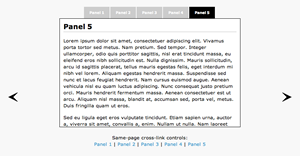
Slide text or images with the top tabs or side arrows.
jQuery 1.2.1

An elegant way to display small amounts of text or images with top tabs indicating the current 'page' or window.
jQuery 1.3.2
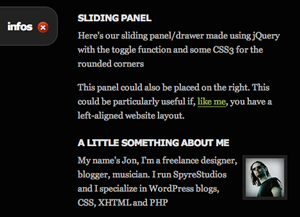
Perfect for sites that don't want a large menu permanently displayed. Select from a left-positioned tab, left-positioned (fixed) tab or a right-positioned tab. The left-position fixed option always positions the 'info' tab in view. This type of menu was used for Paul Milburn Photography.
jQuery 1.3.2
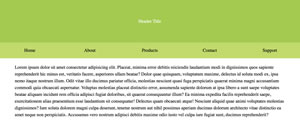
A simple but effective responsive menu that has a header and space for a logo
jQuery
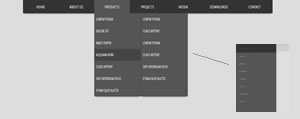
A dropdown multi-level responsive menu with some nice design elements. Also check out this version that has a logo, perhaps more practical - and a white layout.
jQuery
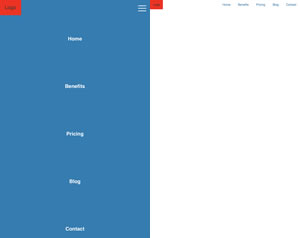
An animated burger menu with single level navigation. Basic, but nice animations.
Javascript only
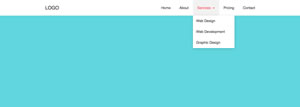
An animated burger menu with single dropdown levels. Basic, but seems to be running well and tests across the devices without issue...
Jquery

A basic but bulletproof responsive dropdown multi-level responsive menu. Code is a little untidy and doesn't use purely ul and li for the menu items.
CSS only
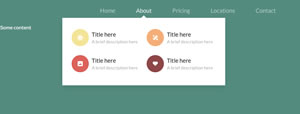
A dropdown responsive menu featuring icons and sub-lists.
jQuery

A beautiful job by Codyhouse. Responsive menu featuring three different styles of menu. Simple - just the top level menu. Sub-nav with a second level of navigation... and a Hero version that you can swap out to include the Swiper by idangerous as they work nicely together. Auto-hides on scroll but reappears when scrolling back towards the top of the page. The sub-nav remains sticky.
A production version of this menu can be seen on the Riverside Apartment, Taupo Accommodation website.
jQuery

Nice, basic 'mega menu' from Codrops. Can be modified to dropdown with mouseover event rather than a click
jQuery

Multi-level slideout menu, modified to suit HTML-based content rather than AJAX/dummy content.
jQuery

Nice multi-level responsive dropdown menu that features animation and logo top-left. A bit of a bee-atch to edit and customise.
jQuery 2.1.3
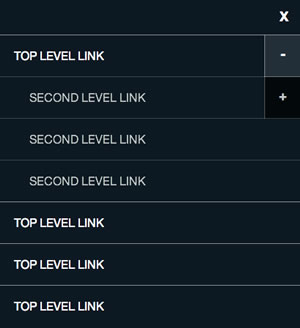
Multi-level responsive dropdown menu. Note that on wide screens the sub and sub-sub menu items are not shown, only the top level links.
jQuery 1-9
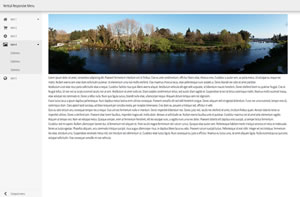
A responsive, very functional menu. Full display shown on widescreen, collapsing to a sliding panel menu on small screens. Icons provided by FontAwesome, a good range of preset icons is in the CSS files.
jQuery
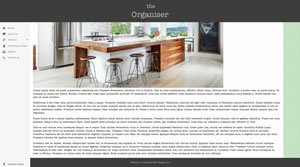
A responsive, very functional menu. Full display shown on widescreen, collapsing to a sliding panel menu on small screens. Icons provided by FontAwesome, a good range of preset icons is in the CSS files. This excellent, versatile menu was modified by Piccante Web Design to feature a 'sticky' header menu.
jQuery

A very nice template and menu operation from graphicburger.com
jQuery
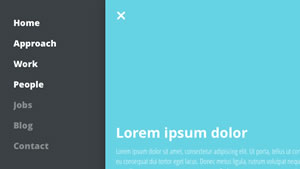
Nice off-screen sliding panel menu
jQuery
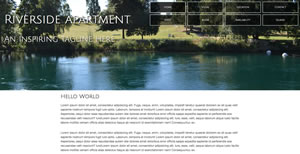
An adaptation by Piccante Web Design of the menu developed by Nick Salloum. Responds to device width of course, and the menu uses a transition of opacity to occupy the space left open on smaller devices.
jQuery
An adaptation by Piccante Web Design of the menu developed by Nick Salloum. Integrates an SVG icon for each menu item.
Javascript only

With thanks to the tutorial from CallMeNick, this menu has been significantly modified and given a tweak to make it stick - to the top of the page. Some jQuery magic has been added to animate parts of the page on scroll down. Also check out this version that includes the Skeleton responsive CSS framework.
jQuery

A beautiful design job by Codyhouse. Responsive menu featuring an icon-based navigation slider with a full-screen background image or video. This design is ideally suited to pages that require a maximum of 5-6 landscape orientated images on each page.
jQuery
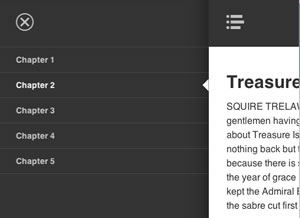
Nice off-screen sliding panel menu
jQuery
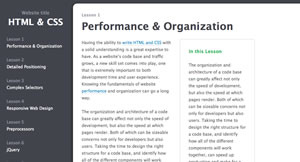
Similar to the Bushell menu, this also has a left-aligned menu on larger screens reverting to a slide-in menu on smaller devices
jQuery
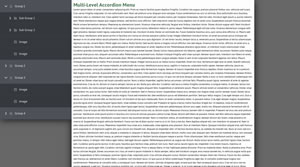
Nice multi level accordion menu with icons and animation
jQuery
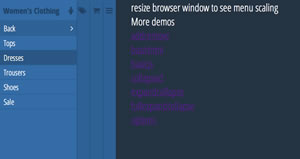
Multi-level push responsive menu with subs and icons.
jQuery
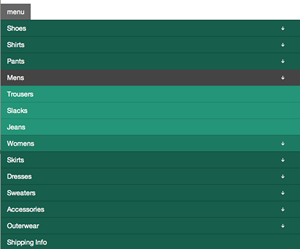
Multi-level responsive menu with sub and sub menus.
Simple javascript
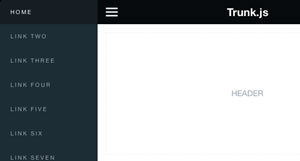
Simple responsive, effective top jquery menu. An added feature is the "sticky top" style of the menu.
jQuery 1-9
A responsive menu that features several ways of displaying sub menus - through slideout secondary menus and icons
jQuery
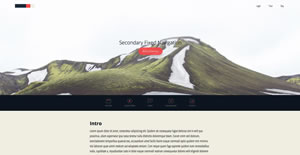
A stylish and functional menu that suits a single page or long page. Key nav items can be placed in the top menu bar as well as a secondary menu with icons appearing in the page layout.
jQuery

A stylish and functional menu. Key nav items can be placed in the top menu bar as well as appearing in the responsive side panel which allows multiple sub menus.
jQuery 1-11
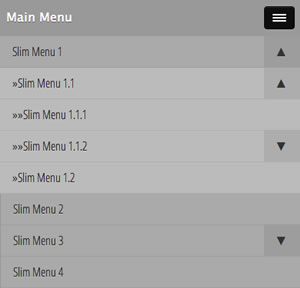
Multi-level responsive menu with sub, sub-sub, etc menus.
Note that this menu has an issue with closing when scrolling on touch devices. A fix to the .js file works and can be viewed here. Thanks to Dusty for this solution.
The correct js file is loaded to the piccante.co website for its own function.
jQuery
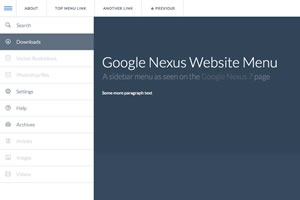
A slick responsive menu that has multiple sub menu options as part of the left menu and a top links menu for often-used pages.
Note that on some mobile devices the menu does not operate after scrolling - only when the page is returned to the very top of the window
jQuery
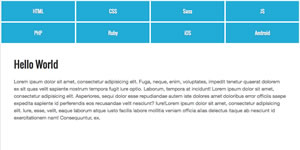
Nice menu that suits an even numbered amount of menu items
jquery
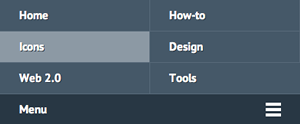
Excellent responsive menu that fluidly reacts to viewport / browser size. Note: Works perfectly in IE8 and up (IE6 and IE7 overflow the container) i.e. requires Windows 7 or 8+
jquery 1.7.2
Simple horizontal responsive menu with animation on hover.
Keyframes, no jQuery

A new concept in responsive navigation menus where the (least important) right-orientated menu items form part of a dropdown menu on small screens and devices. This demonstration includes the responsive image technique of using srcset
jQuery
Hover over each icon to slightly enlarge the image and show an (optional) popup caption.
jQuery 1.3.2

